ASUS review
ASUS VY279HGR review: a cheap 27 inch that punches above 1080p
Six months on my desk as a second screen and a Switch monitor. Here is what a budget IPS panel with a 120Hz overclock gets you, and where 1080p at 27 inches starts to hurt.
As an Amazon Associate I earn from qualifying purchases. Links marked as Amazon links earn me a small commission at no cost to you. How this site is funded


ASUS VY279HGR 27 inch Eye Care gaming monitor
Current price and stock are on Amazon.co.uk.
- Size
- 27 inch, 16:9
- Resolution
- 1920 x 1080
- Panel
- IPS, matte
- Refresh rate
- 120Hz overclocked
- Response
- 1ms MPRT
- Brightness
- 250 nits
- Sync
- Adaptive Sync
- Weight
- 4.05kg
I bought the VY279HGR because I wanted a 27 inch screen for a desk in the spare room without spending 1440p money. It sits next to a laptop during the day and gets a Nintendo Switch plugged into it in the evening. That is the honest use case, and it fits it well.
The panel is IPS, so colours hold up when you look at it from the side. The matte finish kills reflections from the window behind me. Out of the box it leaned a little cool, and I nudged the colour temperature warmer in the on-screen menu. After that I stopped thinking about it, which is the best thing I can say about a monitor.
The 120Hz is real, but you have to switch it on
ASUS sells this as a 120Hz monitor and that is technically true. It ships at a lower refresh rate and you turn the overclock on in the Gaming menu. Then you set the refresh rate in Windows or your console. It took me one confused minute to find, and ASUS puts the steps in the listing, so I can forgive that.
Once it is on, scrolling and mouse movement feel noticeably smoother than the 60Hz laptop screen next to it. Adaptive Sync handles the frame rate dips on the Switch without tearing. The 1ms MPRT figure is a motion blur reduction mode, so read it as marketing shorthand for "fine for casual gaming" rather than a competitive esports spec.
Text is where 1080p shows its age
Full HD spread across 27 inches gives you roughly 82 pixels per inch. Text is readable but visibly softer than on a 24 inch 1080p screen or a 27 inch 1440p one. For code and spreadsheets all day I would want the higher resolution. For a second screen holding Slack and a browser, or for games at sofa distance, it does not bother me at all.
Brightness is rated at 250 nits. In a bright room with the window behind it, I run it at about 80 percent. It never felt dim, but it also is not an HDR screen and does not pretend to be.
The eye care features I actually used
The blue light filter and flicker-free backlight are standard on ASUS panels now. The Rest Reminder popped up every hour until I turned it off after a week. The Colour Augmentation mode is designed for people with colour vision deficiency, and a friend who is red-green colourblind said it made a strategy game's unit colours distinguishable for the first time. That is a small feature that matters a lot to the people it matters to.
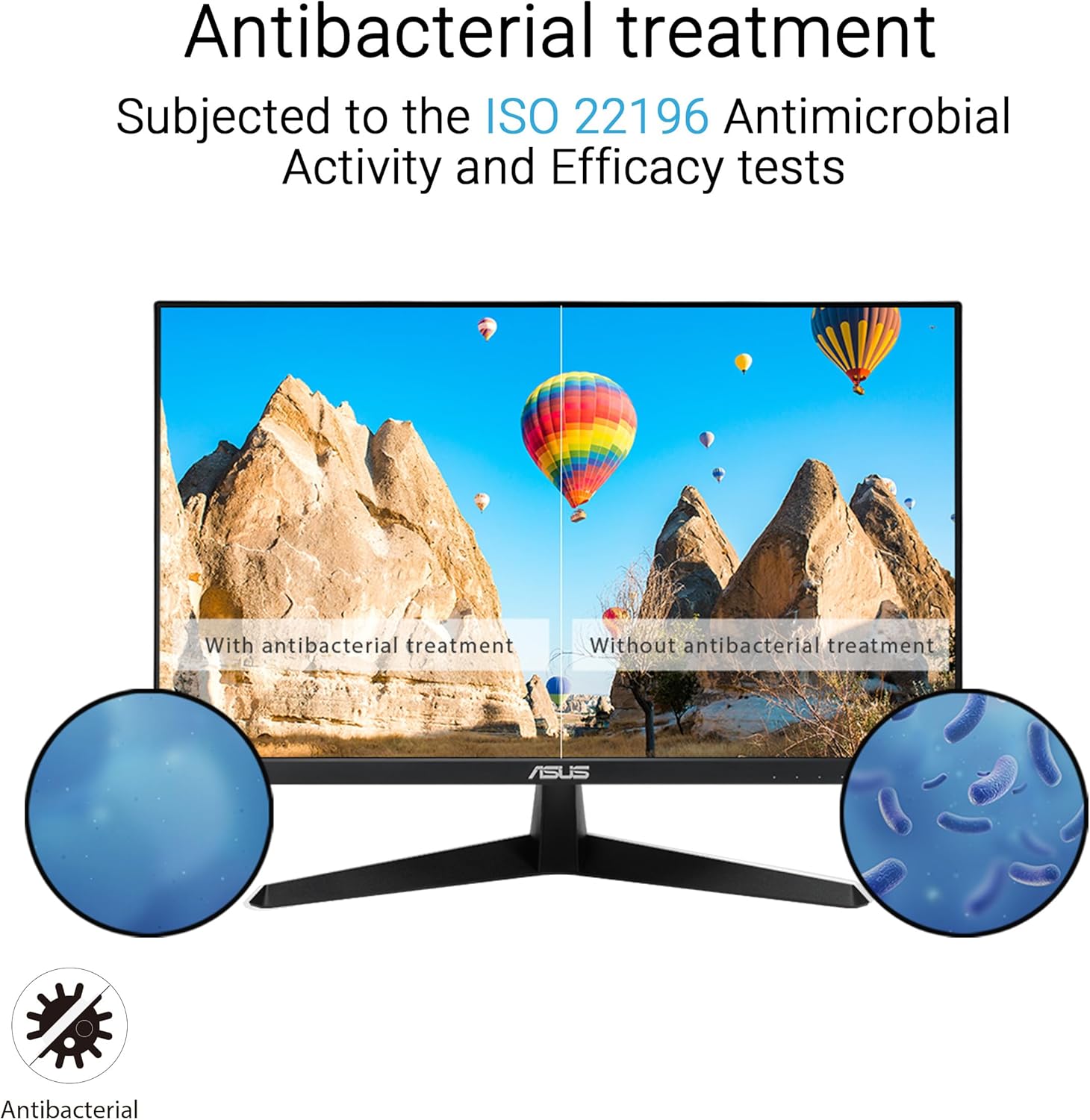
ASUS also claims an antibacterial treatment on the bezels and buttons. I have no way to test that and neither do you. Treat it as a footnote.
Ports and build
You get HDMI and DisplayPort. There is no USB hub and no speakers worth mentioning. The stand is plastic and the monitor tilts, but it is not the kind of stand you would rely on for height adjustment, so budget for a VESA arm if you care about ergonomics. At just over four kilos, it is light enough to move rooms without thinking about it.
What I liked
- IPS panel with good viewing angles and a matte finish
- 120Hz overclock and Adaptive Sync work as advertised
- Colour Augmentation mode is a real accessibility win
- Light, and cheap enough to buy as a second screen
What I did not
- 1080p on 27 inches is soft for text-heavy work
- 250 nits and no HDR
- Basic stand, no USB hub
Verdict
As a second screen or a console monitor it is an easy recommendation. As your only screen for a full day of text, spend more and get 1440p.
Buy it for: A second monitor, a bedroom Switch or Xbox screen, or a first PC build on a budget.


